Step 1 · Website
Start at the official Terrain website
Open Terrain in a modern web browser on your computer, tablet or phone.
terrain.scouts.com.au ↗
Step 2 · Login
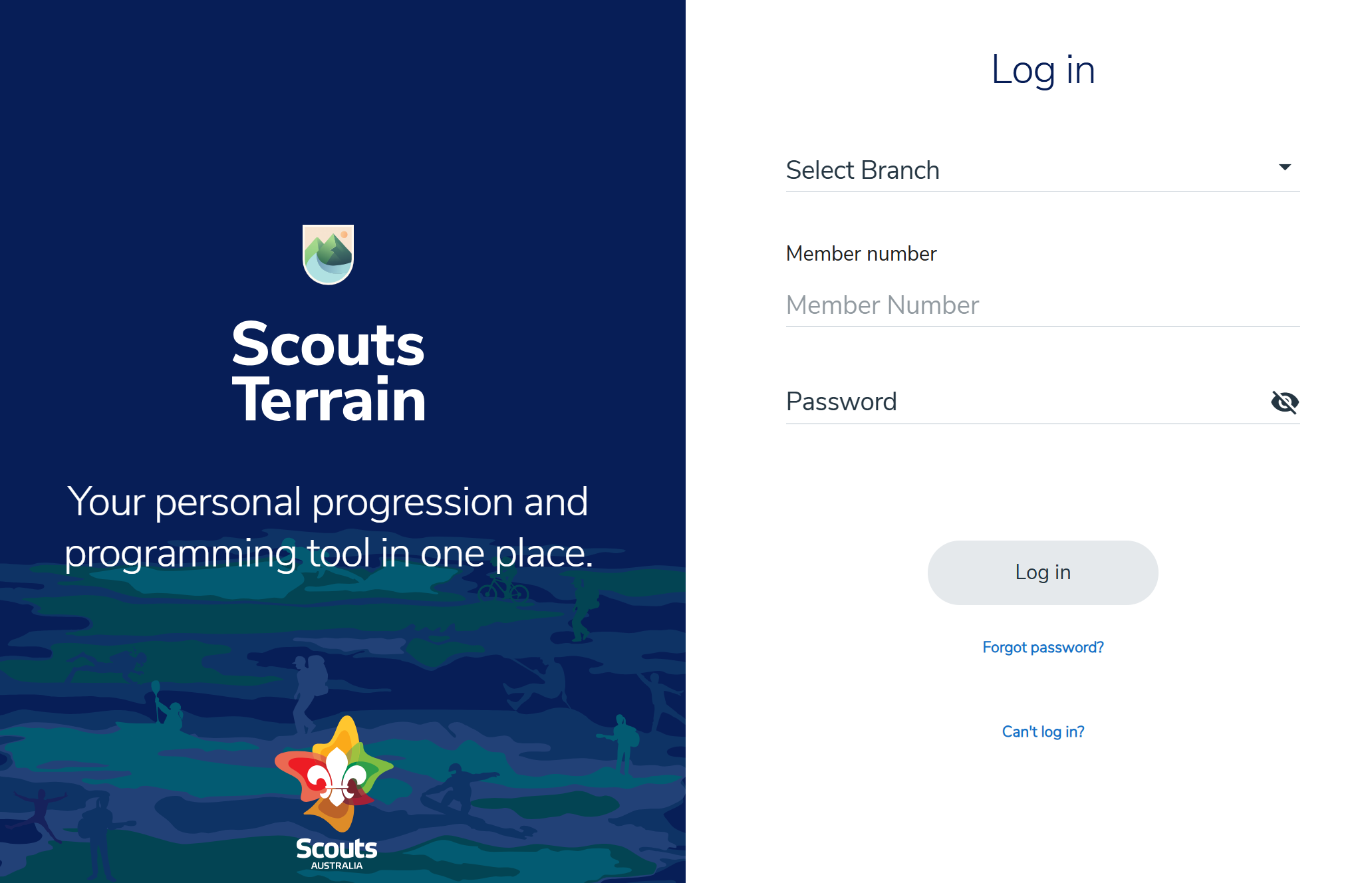
Log in with your Scouts details
Select your Branch, then enter your member number and password.
Can’t remember your password?
Try the help links on the login page. If you still cannot get in, contact a Scout Leader (try the WhatsApp Group for the quickest response) and ask them to help reset your password.
Try the help links on the login page. If you still cannot get in, contact a Scout Leader (try the WhatsApp Group for the quickest response) and ask them to help reset your password.
Step 3 · Basecamp
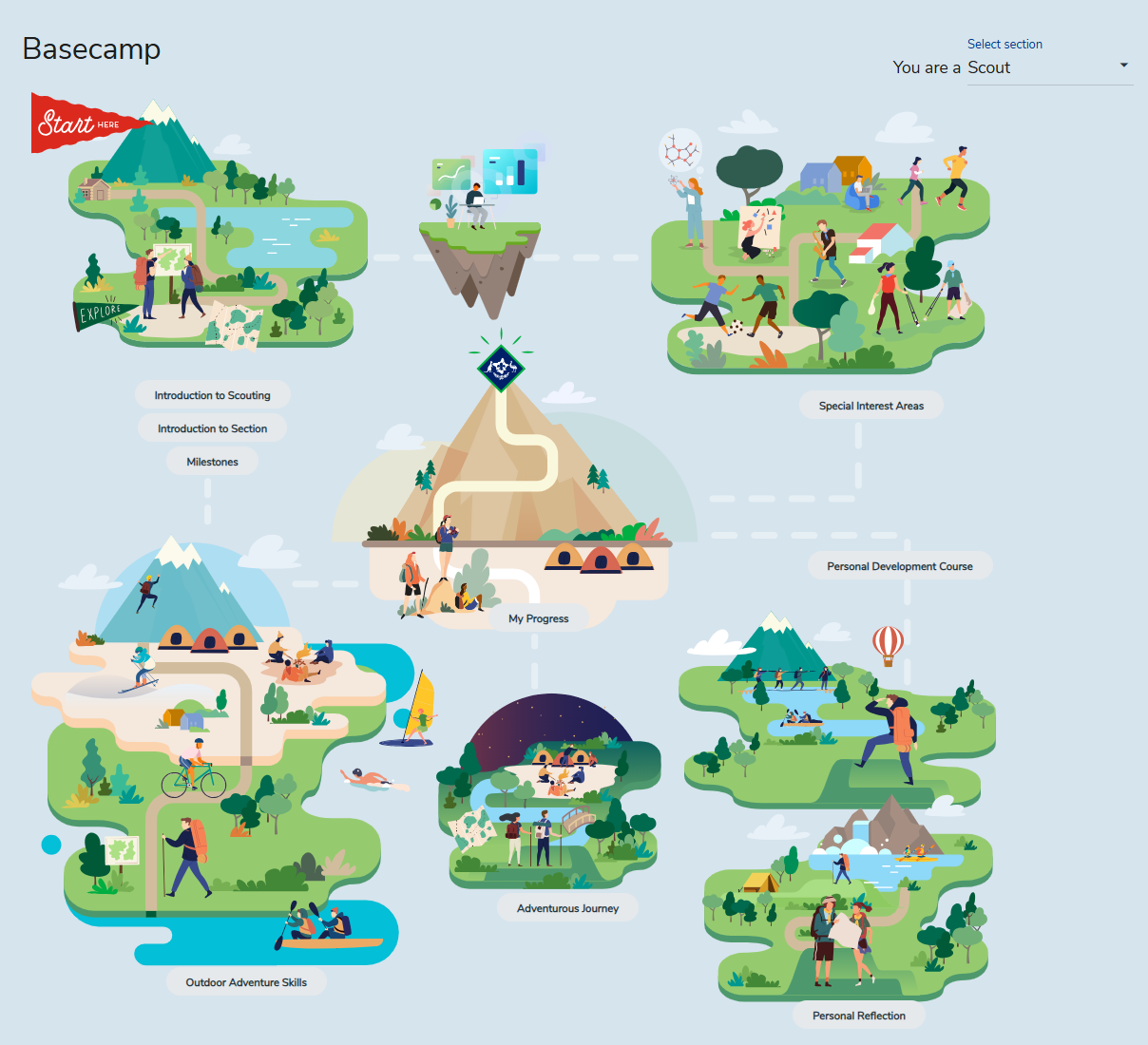
Basecamp is your starting point
After logging in, find the three buttons under the starting island. Begin with the first two.
Basecamp→Introduction to Scouting→Introduction to Section
Step 4 · Program Essentials
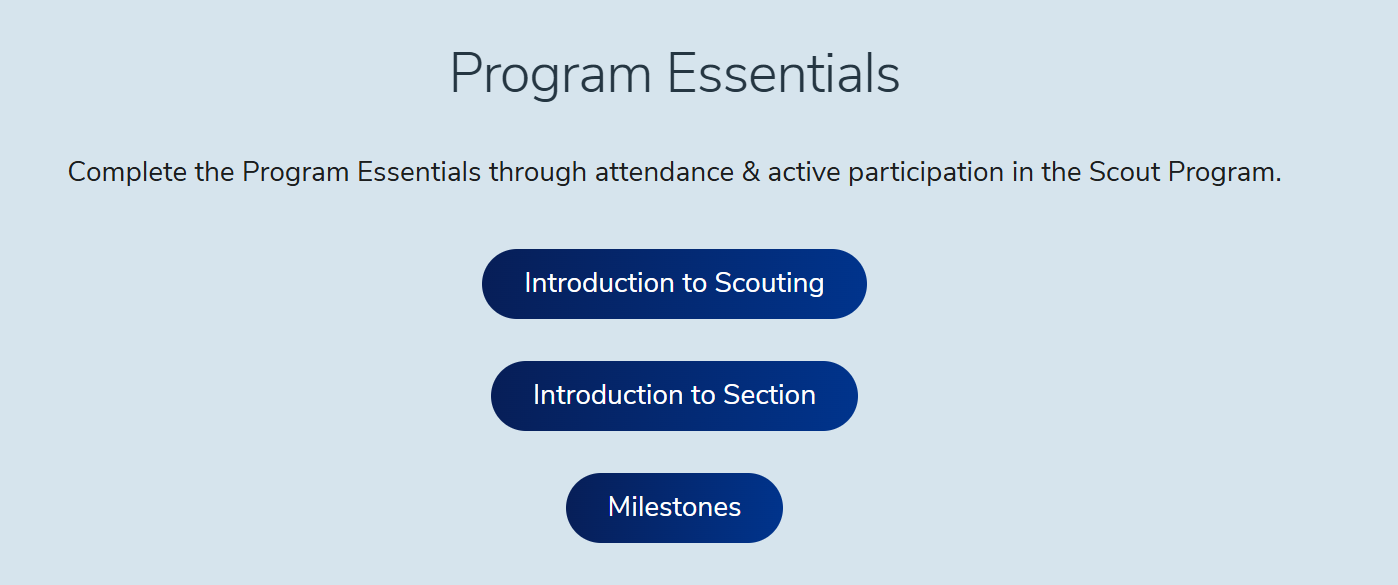
Complete the two introductions
Go through Introduction to Scouting, then Introduction to Section.
✓Open each item in both introductions.
✓When an item has a video or content link, help your Scout open it and view the content together.
✓Talk about what it means and let your Scout ask questions.
Terrain may look a little different depending on your Scout’s age section and Branch.